I am a rater, why can't I see the key actions for the learner I am rating? You can see the learner's name, goal name and benefit statement. A rater cannot see the key actions assigned to a goal.
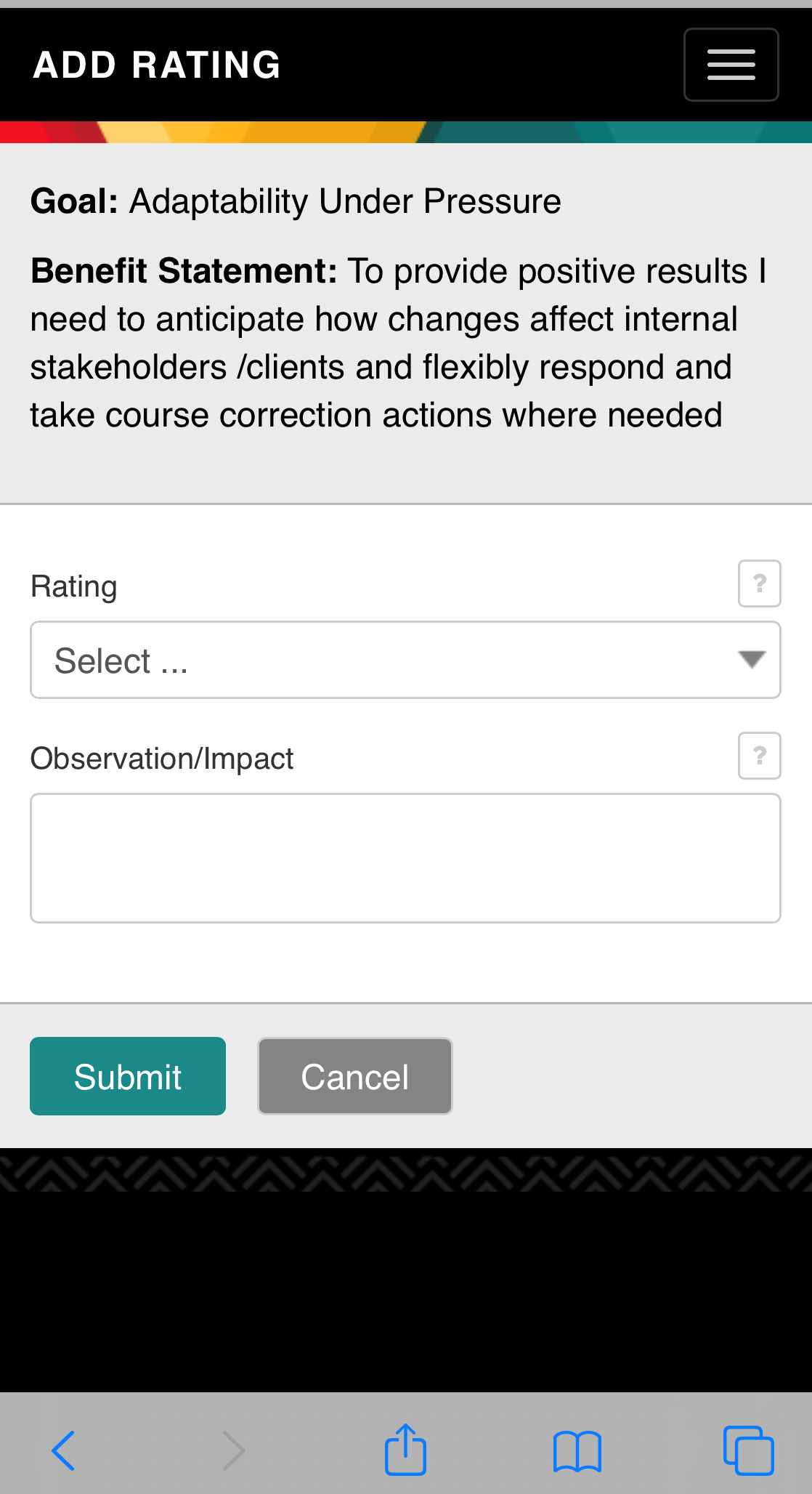
As a rater, how do I see previous ratings I submitted to a learner? A rater cannot view or modify past ratings nor past observation notes that have been submitted.
I am a rater and want to know who else is rating a learner on his/her goal, how can I see the other raters? Raters cannot can see who else is rating a learner on a particular goal. If you want to know who else is rating a learner on a specific goal, then speak directly to the learner about this.
Do I have to provide a numerical rating to the learner on his/her goal? Yes, in all cases to provide feedback as a rater, one must enter a numeric rating. Consider the articles listed below that address providing feedback. The “neutral rating” may be an option for you. “Tips to giving constructive feedback" and "Understanding your ratings" are articles that provide insight to ratings and feedback.
Why don't I see a learner who asked me to provide him/her feedback on a goal? Please ask the learner if he/she has assigned you as a rater on a specific goal. To do this the learner needs to go to the article "Getting started: Step-by step launch guide: Learner" and proceed to #8 “select your raters." If the learner cannot find your name in the searchable drop down, then please contact your customer admin who is an employee at your company.
How do I add a learner so I can provide him/her rating feedback? Only a learner can assign you as a rater to one of his/her goals. Please have a discussion with the learner about your interest in being a part of his/her development process (i.e., providing feedback).
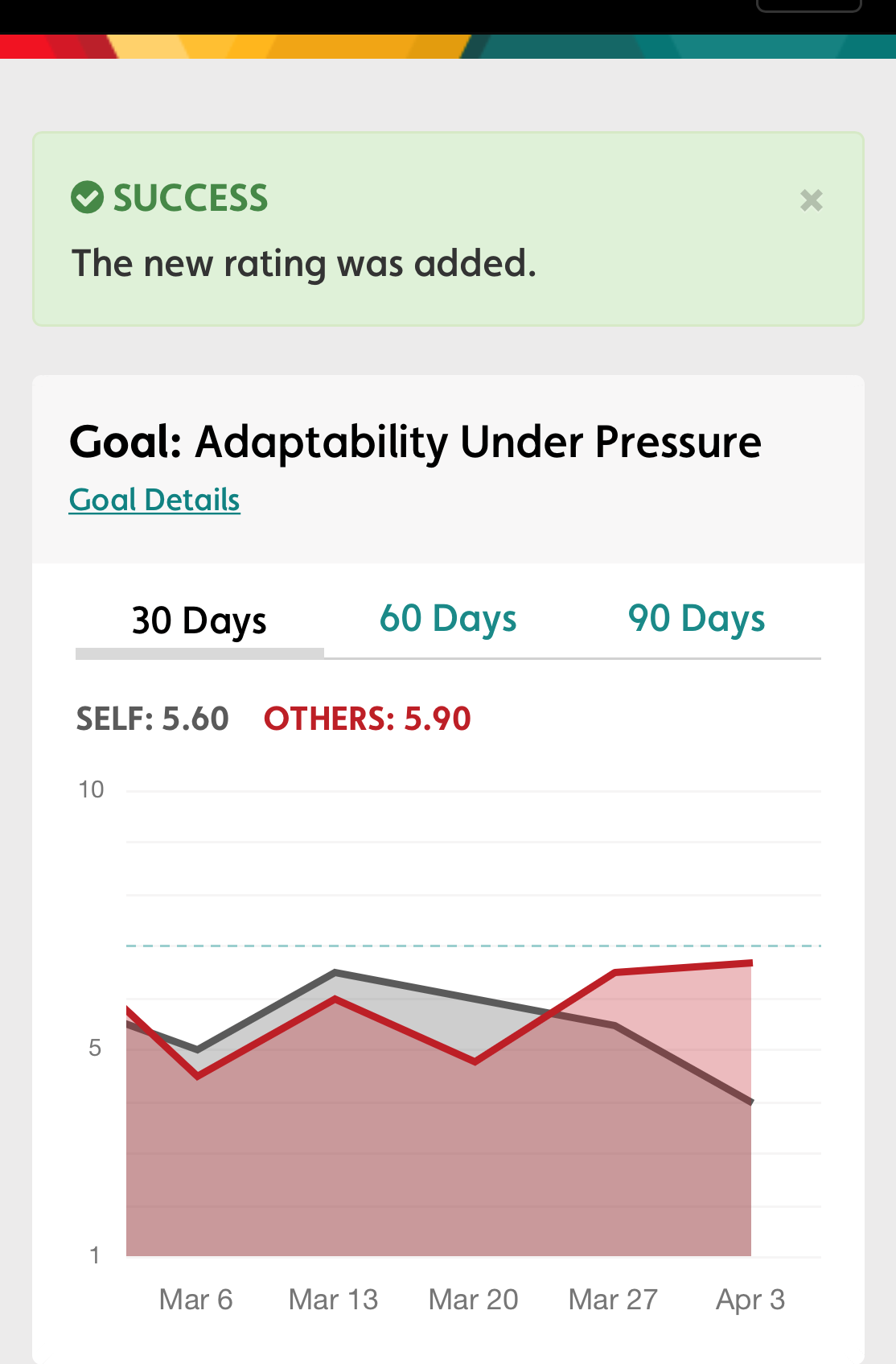
How do I know if my rating was submitted? Whether a learner or a rater, you will receive a message at the top of the rating screen in a green call out box that reads “Success. The new rating was added.”
Comments
0 comments
Please sign in to leave a comment.